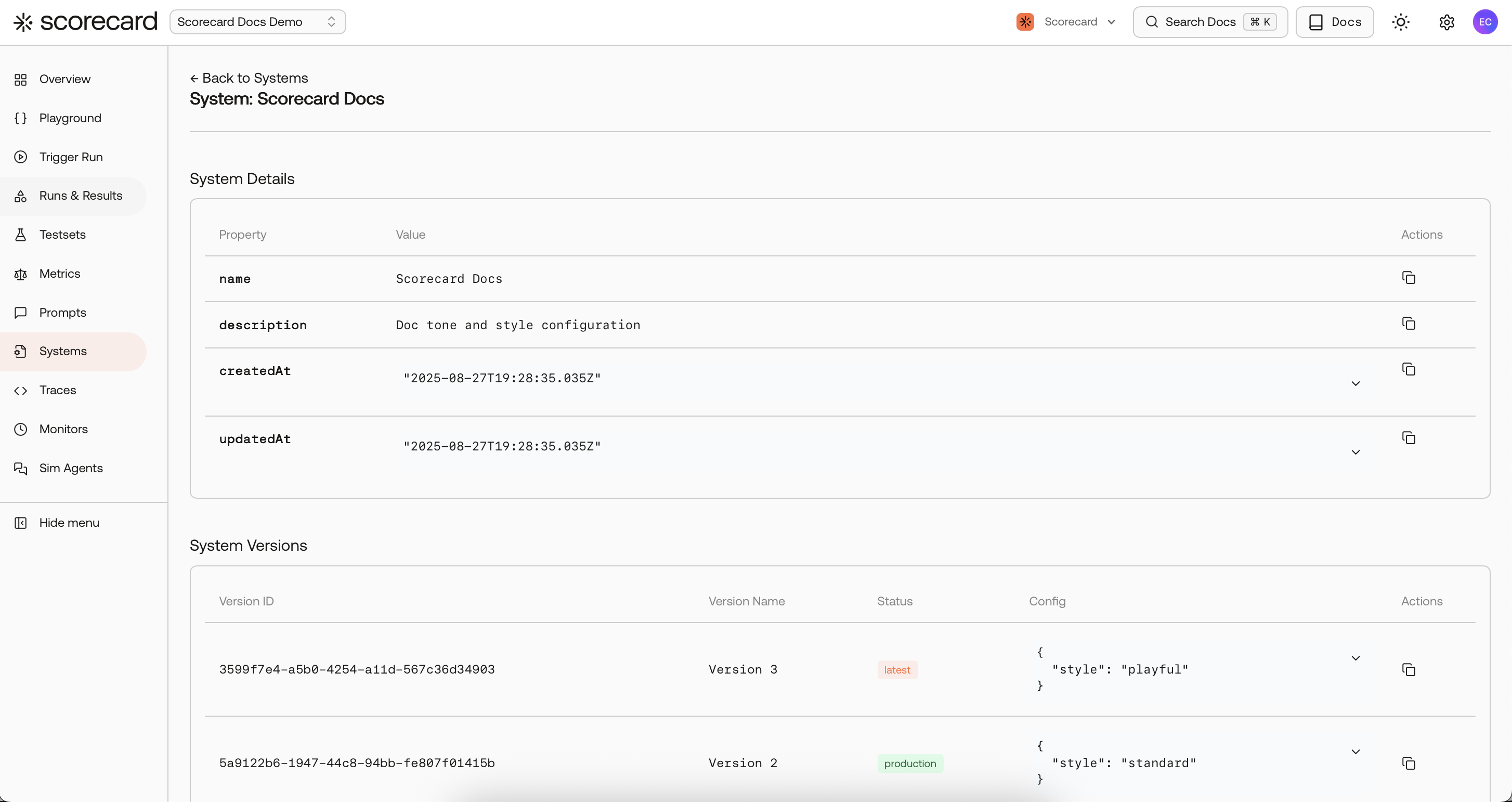
A System brings together everything that shapes your AI agent’s behavior: prompts, model settings, tools, and configuration. Instead of tweaking prompts in isolation, you version the complete agent setup and test it as one unit.
Systems keep prompts, parameters, tools, and configuration together, give you versioned changes you can compare, and make it clear which version is in production. For teams building AI agents and complex workflows, this helps control configuration drift, preserves an audit trail of what’s live, and ensures you evaluate exactly what users experience.
Each System has versioned configurations. You can mark any version as production and keep iterating on latest; if production isn’t set, the latest is used until you choose one. New versions are auto‑named (“Version N”), identical configs collapse to the existing version, and deleting from the UI archives the System safely for history.
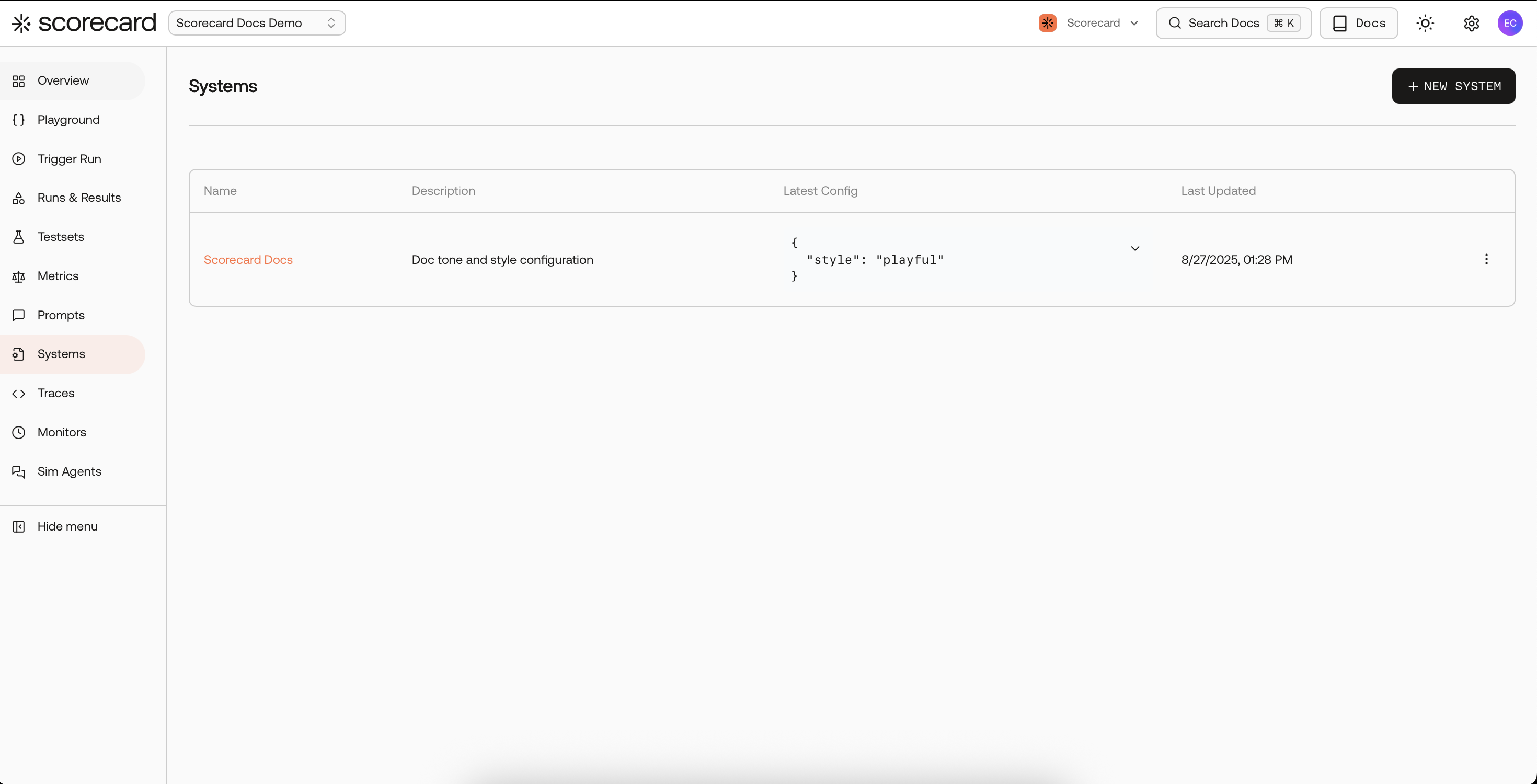
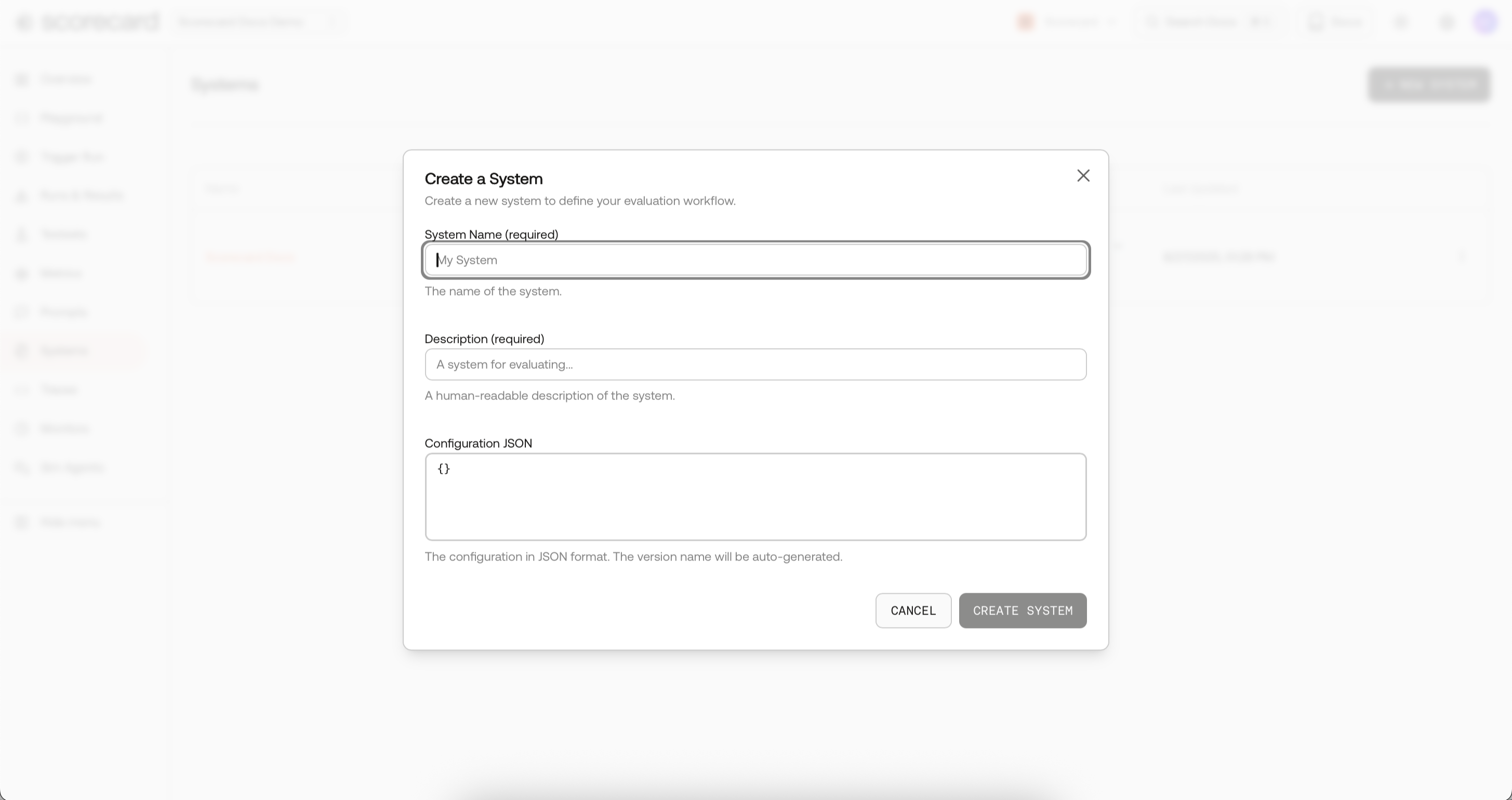
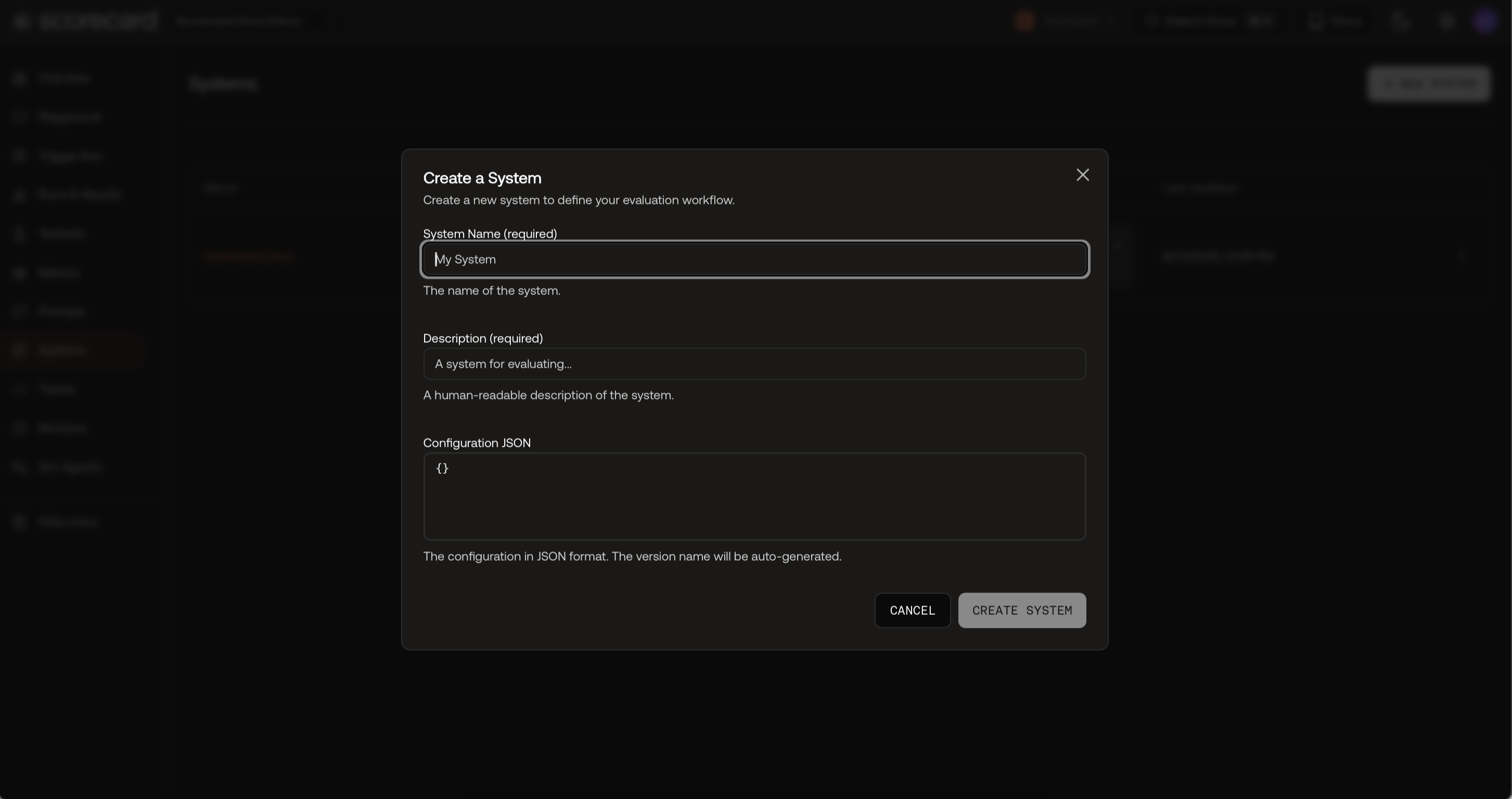
Click New System, give it a name and description, and paste configuration JSON for your agent (whatever drives your agent’s behavior, e.g., tools, temperature, routing logic, or custom flags). Scorecard versions this for you.
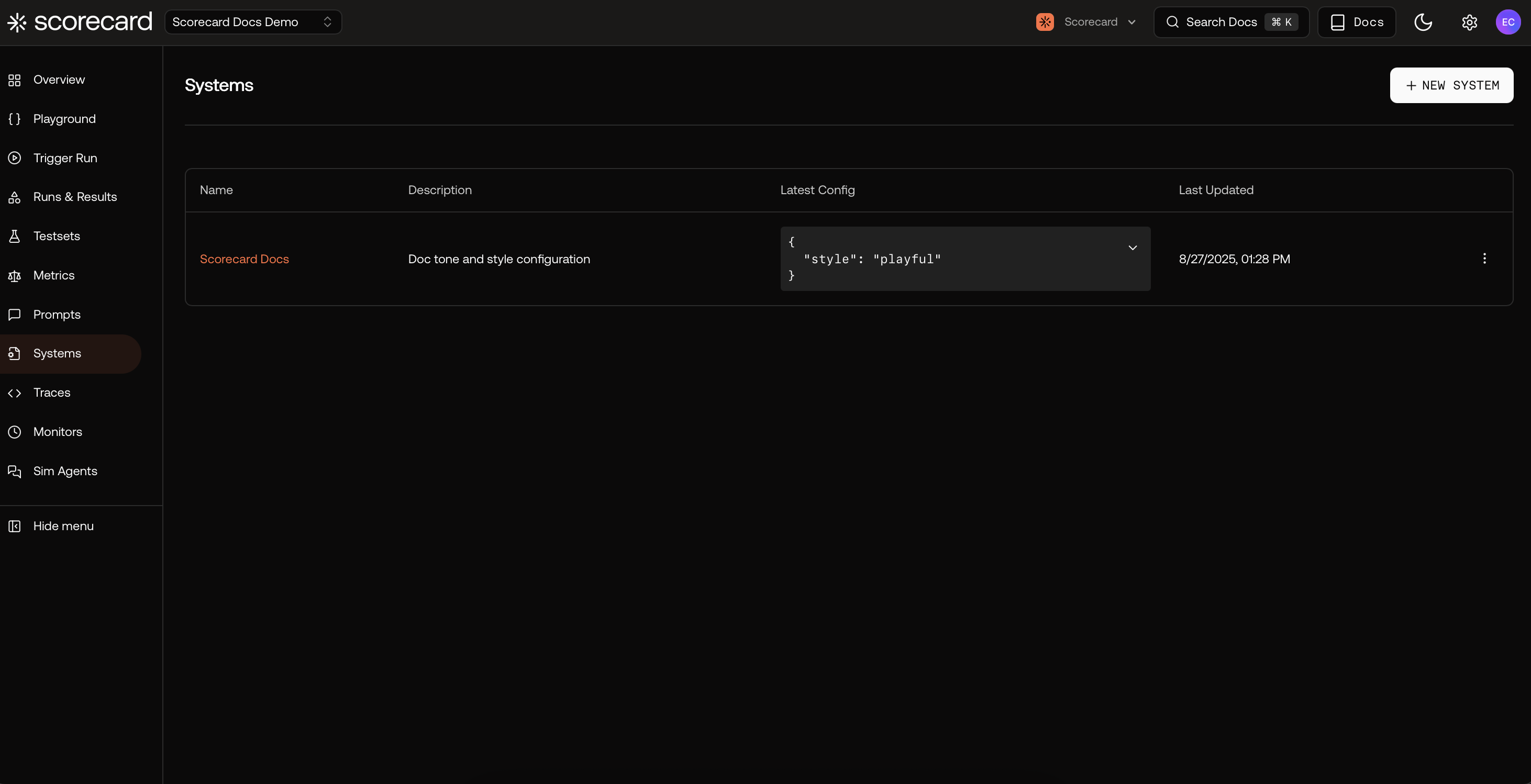
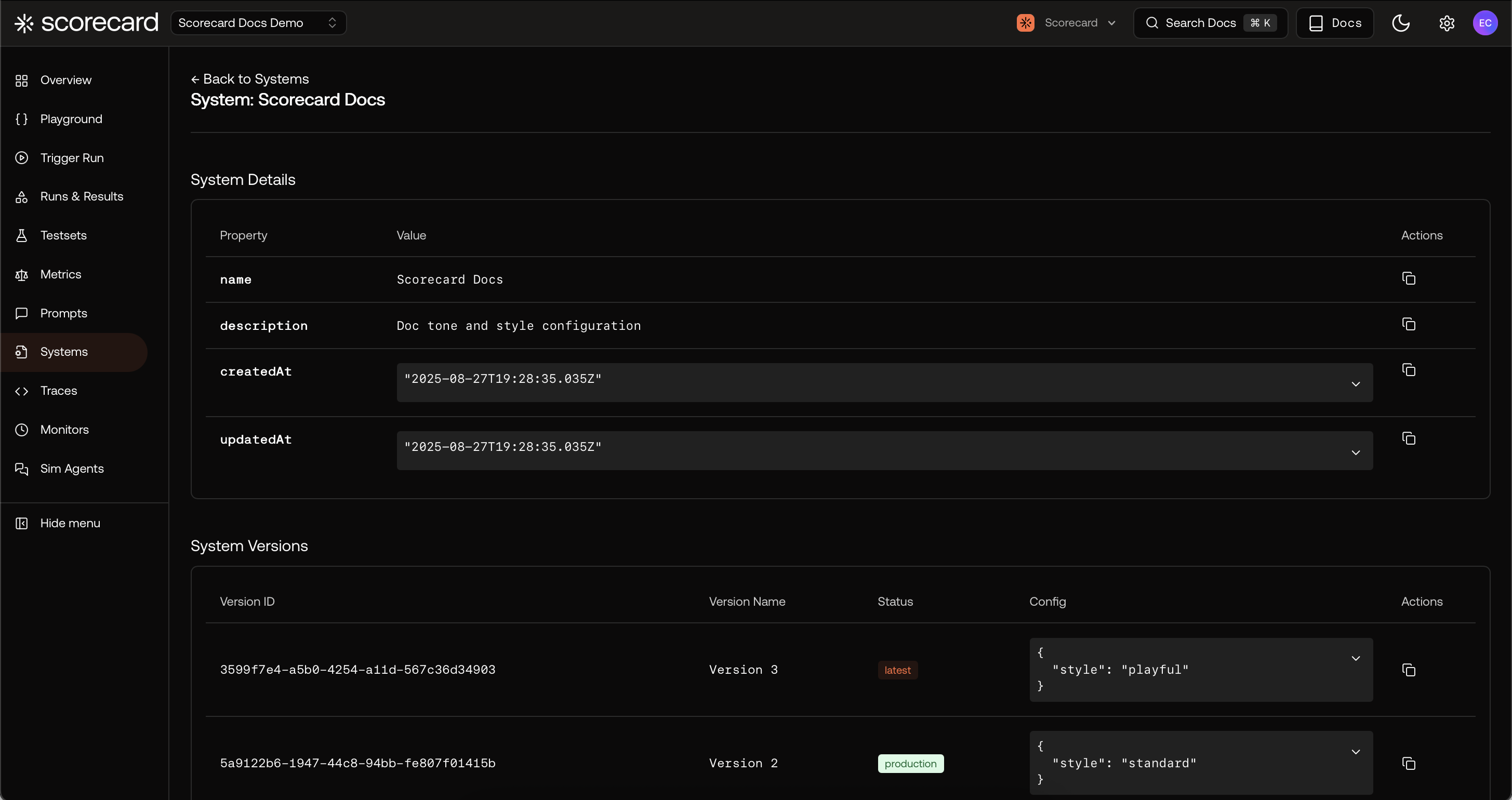
Open a System to view details, timestamps, and all versions. You can quickly scan configurations and see which version is latest or marked as production.
Systems work hand-in-hand with Testsets, Metrics, and Runs so you evaluate realistic agent changes—not just prompt text. Try it with our quickstart and see how different configurations impact agent performance.→ Try the Joke Bot Quickstart